
Remote and hybrid work has made endpoint security harder, not easier. Devices are no longer sitting safely behind corporate firewalls, and traditional perimeter-based security models no longer apply. Securing remote Intune-managed devices requires a layered approach that balances strong security with user productivity.
If you manage devices using Microsoft Intune, securing remote endpoints requires layered controls, not just one setting or policy.
This article walks through a practical, real-world approach that actually works.
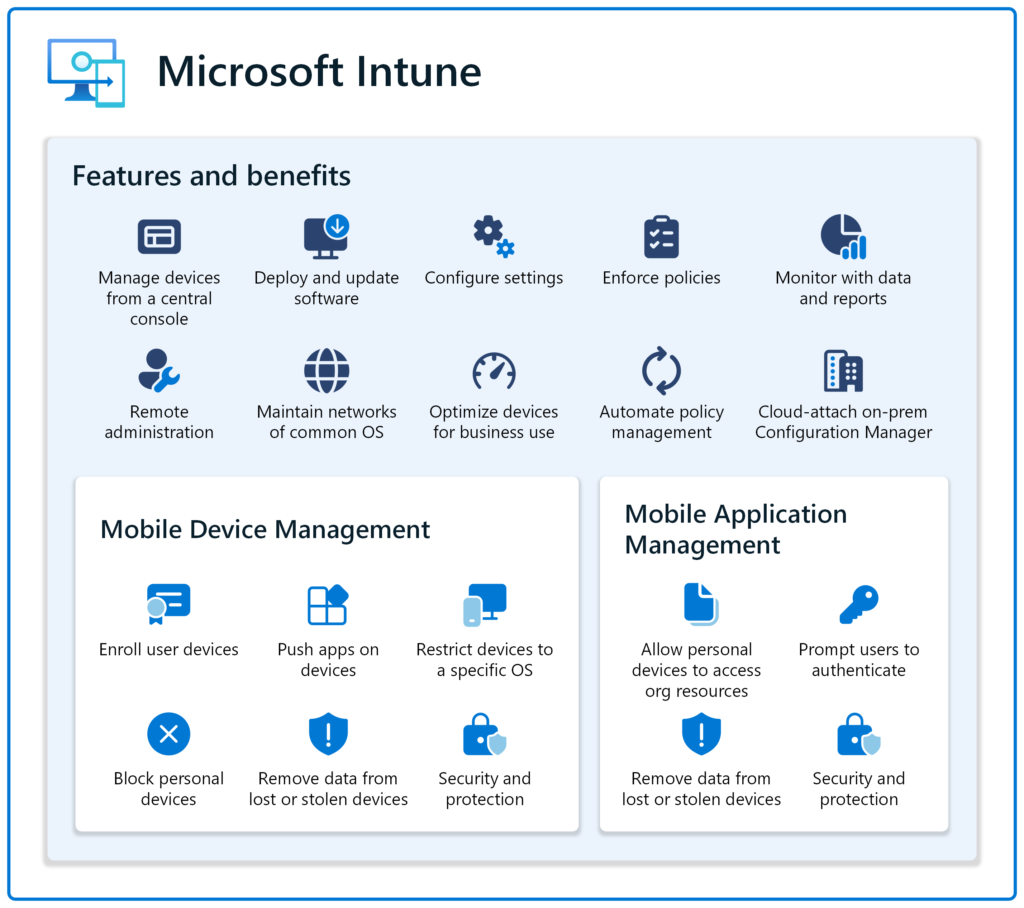
1. Why Remote Endpoints Are Riskier by Default
Remote devices are exposed to:
- Untrusted networks (home Wi-Fi, cafés, hotels)
- Delayed patching
- Increased credential theft risk
- Reduced visibility when issues occur
Intune helps manage configuration, but it does not encrypt network traffic or protect users on unsafe networks by itself.
That gap must be addressed.
2. Baseline Security for Remote Intune-Managed Devices
Before adding tools, ensure these basics are enforced:
- BitLocker enabled and escrowed
- Defender Antivirus active
- Firewall profiles enforced
- Conditional Access requiring compliant devices
- ASR rules enabled where appropriate
If these are missing, fix them first. When organisations fail to properly secure remote Intune-managed devices, users are often left exposed on untrusted networks.
3. The Missing Layer: Secure Network Traffic
One of the most overlooked weaknesses in remote setups is network exposure.
A device can be fully compliant in Intune and still:
- Transmit data over unsafe networks
- Leak DNS requests
- Be exposed to man-in-the-middle attacks
This is where a reliable VPN becomes a practical security layer.
Consider introducing something like NordVPN here as an additional security layer for remote Intune-managed devices and remote workers, not a replacement for Intune.
Focus on:
- Device-level VPN
- Always-on capability
- Business suitability
4. Keeping Security Invisible to Users
The biggest mistake companies make is adding security that:
- Breaks apps
- Slows connections
- Generates support tickets
Good security:
- Runs quietly
- Requires no daily user decisions
- Doesn’t interfere with normal work
This is why choosing mature, stable tools matters more than feature lists.
5. A Practical Secure Remote Stack
A realistic setup looks like this:
- Intune for configuration and compliance
- Defender for endpoint protection
- VPN for secure traffic on untrusted networks
- Conditional Access to enforce trust
Each layer solves a different problem.
Final Thoughts
Remote security isn’t about locking everything down.
It’s about reducing exposure without increasing friction.
That’s what lasts. You can check out a detailed high level architecture diagram for Intune here
For more detail on intune related issues, check out our Intune section for more guides